A simple, powerful app for capturing clear, high-quality audio in just one tap. Record meetings, lectures, interviews, songs and ideas, then trim, add effects, organize and share them, all in one place.
10K+Downloads
48 kHzLossless WAV
19Languages
0Subscriptions
Live recording
Lossless 48 kHz
Robot effect
Perfect for
One recorder for every moment
Meetings & lectures
Never miss an important point
Interviews & journalism
Capture every word clearly
Musicians
Singing, practice sessions and instrument ideas
Students
Record classes and revise later
Voice notes & reminders
Save ideas the moment they come to you
Just for fun
Become a robot, a squirrel or a ghost
Features
Everything you need to record, edit and share
From quick voice memos to full studio-quality sessions, all the tools are built in, and all of them are free.
Record in studio quality
One-tap recording with a live waveform and timer
Pause and resume without starting a new file
Lossless WAV, five quality levels from 16 to 48 kHz
Mono for speech, stereo for music and ambient sound
Keeps recording in the background, even with the screen off
Edit with ease
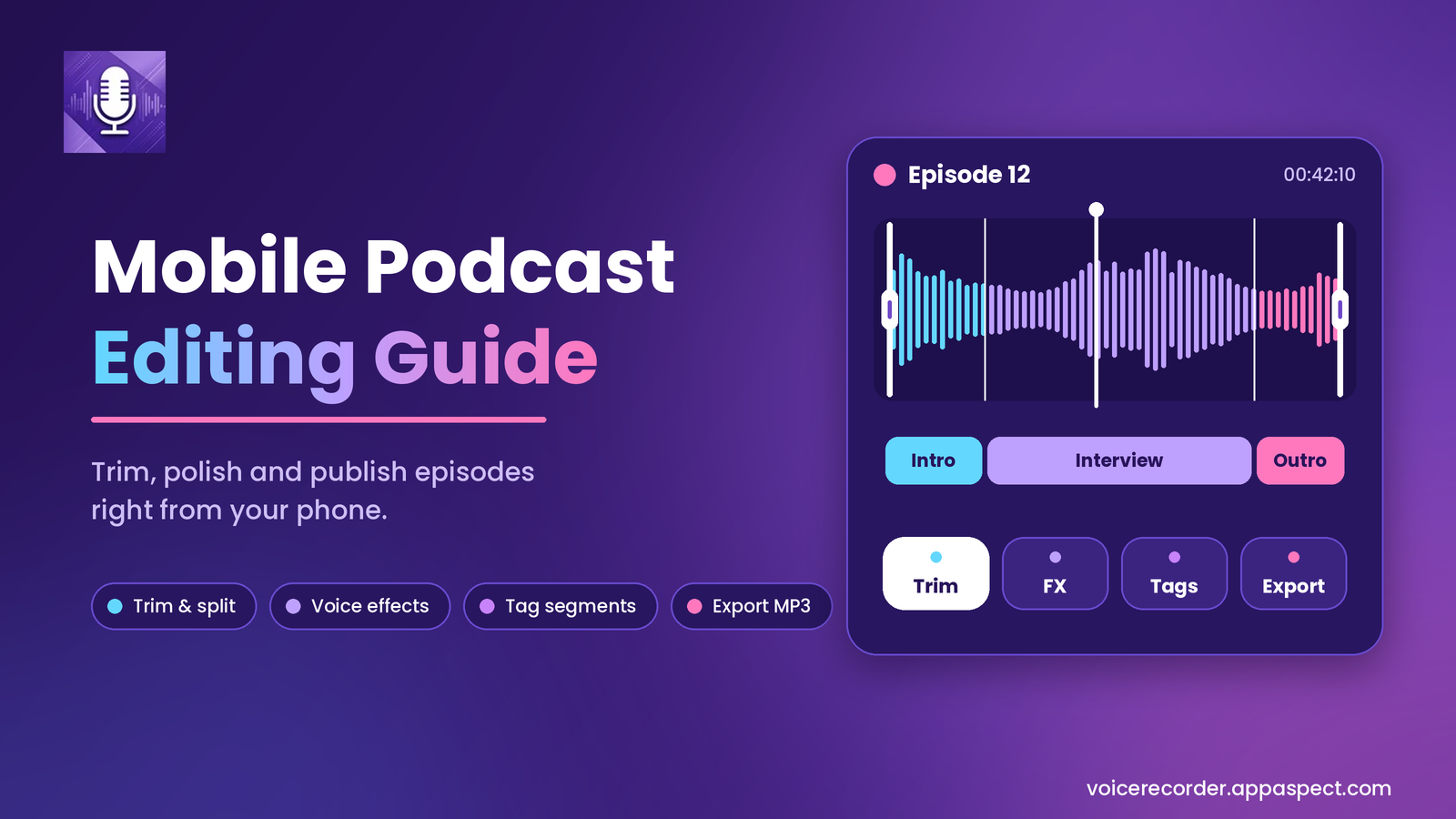
Trim: drag the handles to keep only what you need
Merge several recordings into one file
Your original is never changed: every edit is a new copy
Fun voice effects
Robot, Alien, Ghost, Squirrel, Doll, Reverb, Fast and Slow
Custom pitch, speed, echo and reverb
Preview before you save to your library
Organize your library
Search, rename and delete in seconds
Playlists by project, class or topic
Duration, date and file size of every recording
Recently Deleted: restore within the retention period
Built-in music player
Scan your device or import tracks manually
Browse by folder: Recordings, Downloads, Music, Voice Effects
Background playback with a clean, simple player
Cloud backup & import
Upload recordings to Google Drive or Dropbox
Import MP3, M4A, WAV and AAC from the cloud
Share by email, messaging apps or any app
Private & secure
Lock the app with a 4-digit passcode
Recover a forgotten passcode by email
Recordings stay on your device unless you share them
Make it yours
Choose from many colour themes
Pick your preferred date format
Available in 19 languages
How it works
From idea to shared recording in three steps
1
Record
Tap once to start. Watch the live waveform, pause when you need to and keep recording in the background.
2
Edit & add effects
Trim the parts you don't need, merge clips together or give your voice a fun new sound.
3
Organize & share
Rename, sort into playlists, back up to Google Drive or Dropbox and share with anyone.
Recording
Crystal clear sound in one tap
Start recording instantly and see your audio come to life on a live waveform. Choose standard mono for speech or high-quality stereo for music.
Turn any recording into something fun with one tap, or build your own effect with the custom effect panel. Preview first, then save it to your library.
The same clean, colourful experience on iPhone and Android.
Download
Start capturing every sound that matters
Get Voice Recorder free on your Android phone, iPhone, iPad or Mac. Every feature is included, with no subscription.
All features are free
Remove ads for good with a one-time purchase
No subscription
Android
Smart Voice Recorder
4.1 111 reviews
10K+ downloads
Rated for 3+
iPhone, iPad, Mac & Vision Pro
Voice Recorder: Memo & Notes
Requires iOS 15.0 or later
Mac with Apple M1 or later
Age 4+
FAQ
Frequently asked questions
Can't find what you're looking for? Get in touch and we'll help.
Is Voice Recorder free?
Yes. All features are free. The app shows ads, which you can remove for good with a one-time purchase. There is no subscription.
Which devices does it work on?
Voice Recorder is available for Android on Google Play, and on the App Store for iPhone and iPad (iOS / iPadOS 15.0 or later), Mac with an Apple M1 chip or later (macOS 12.0 or later) and Apple Vision Pro.
What format and quality does it record in?
Recordings are saved as lossless WAV. You can choose from five quality levels, from 16 kHz for small voice notes up to 48 kHz studio quality, in standard (mono) or high-quality (stereo) mode.
Can I record with the screen off or while using other apps?
Yes. Voice Recorder keeps recording in the background, even when the screen is off, and you can control it from the notification. If a call or another app interrupts you, your recording is recovered.
Does trimming or adding effects change my original recording?
No. Every edit (trim, merge or voice effect) is saved as a new copy, so your original recording is never changed.
Where are my recordings stored?
Your recordings stay on your device unless you choose to upload or share them. You can back them up to Google Drive or Dropbox whenever you like.
Can I import audio files I already have?
Yes. You can import MP3, M4A, WAV and AAC files from your cloud storage into your library, and the built-in music player can scan your device for audio files.
I deleted a recording by mistake. Can I get it back?
Yes, within the retention period. Deleted recordings go to Recently Deleted, where you can restore them. After the retention period they are cleared automatically to free up space.
I forgot my passcode. What should I do?
You can recover a forgotten passcode through the recovery email you set up with the passcode lock.
Which languages are supported?
The app is available in 19 languages, including English, Spanish, French, German, Italian, Portuguese, Russian, Japanese, Korean, Chinese, Hindi and Arabic.
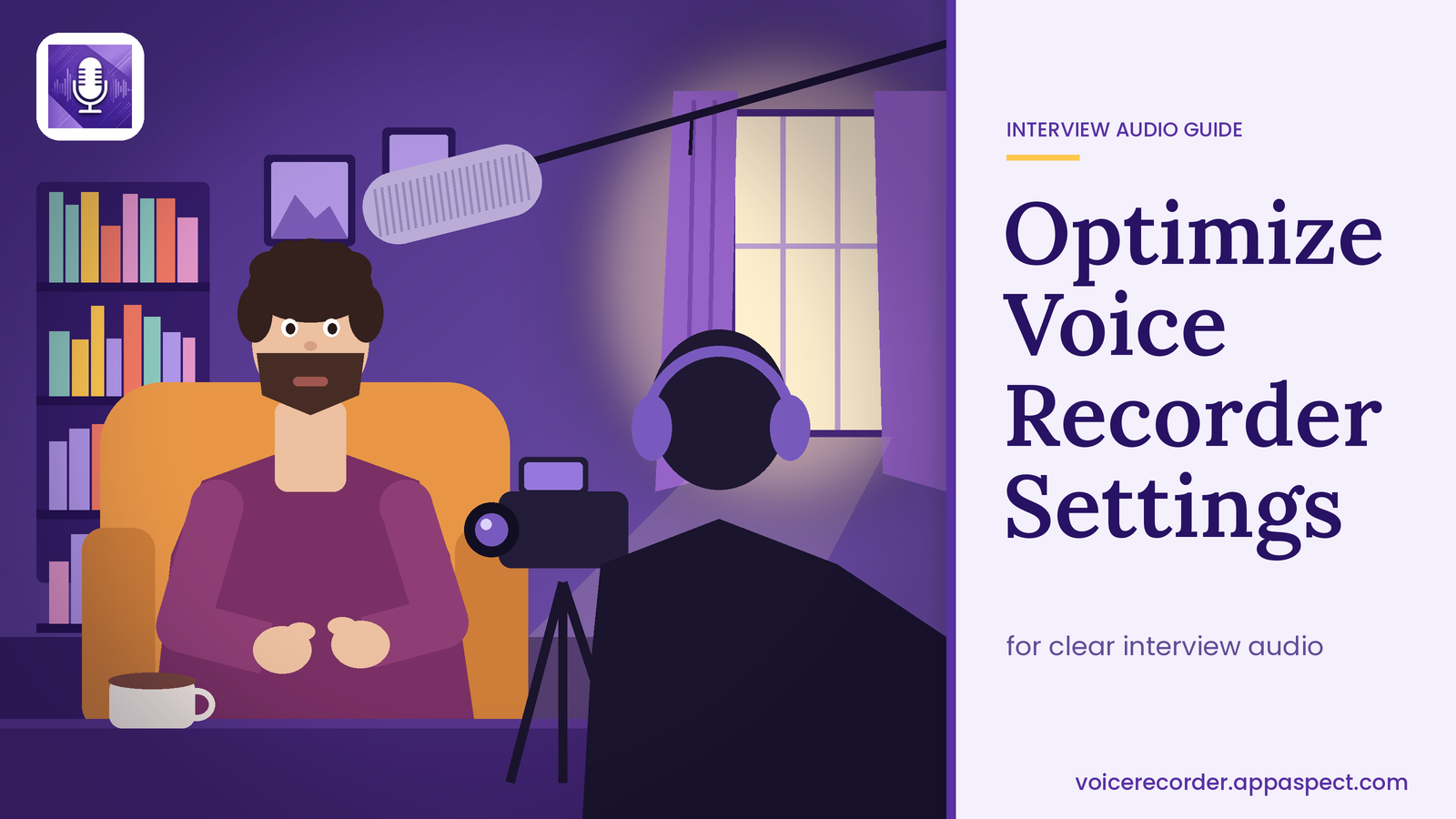
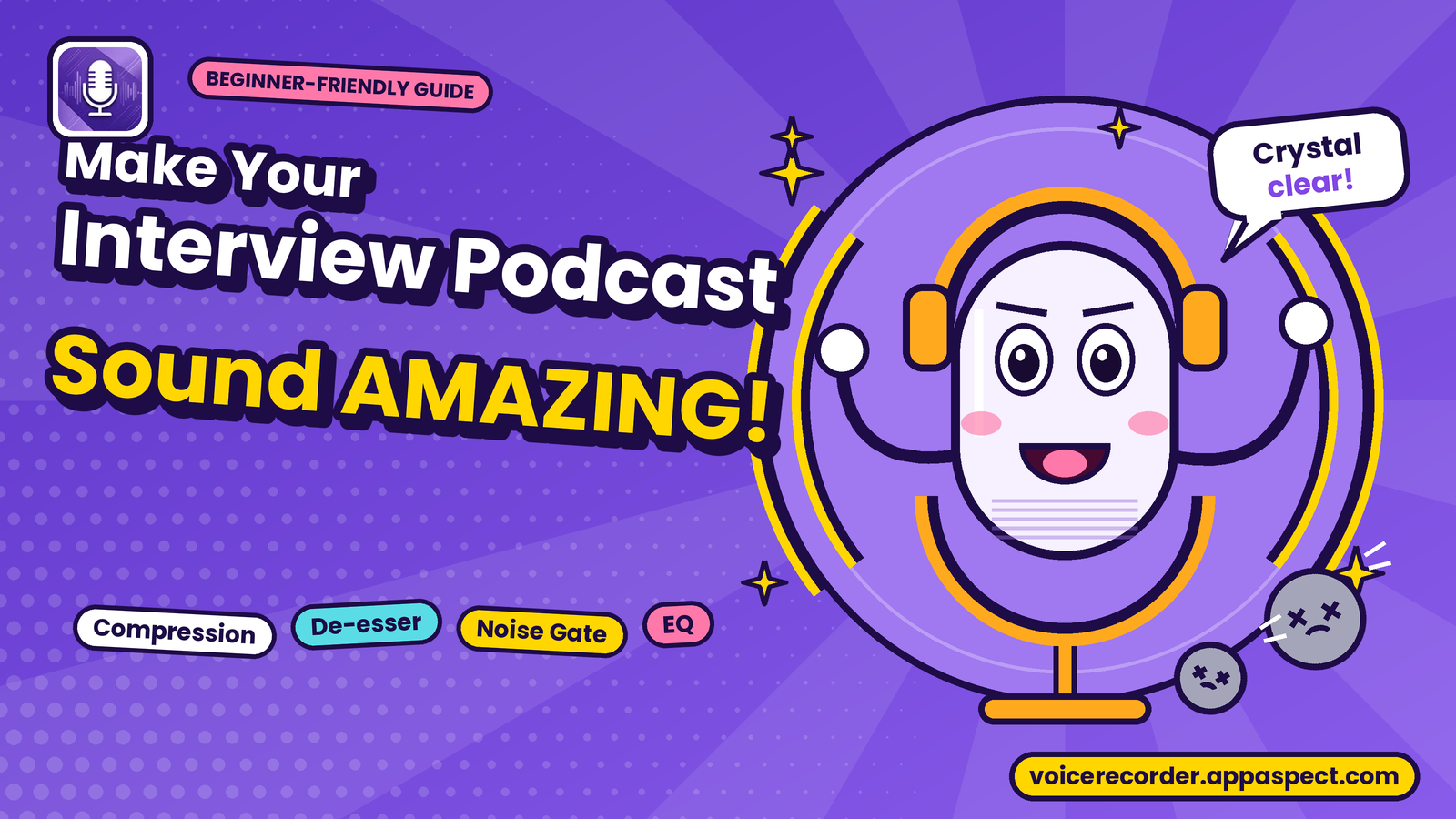
Learn how to optimize voice recorder settings for crystal-clear interview audio, from gain to bitrate, and start recording professional-quality audio. Read more